One org vs. multiple
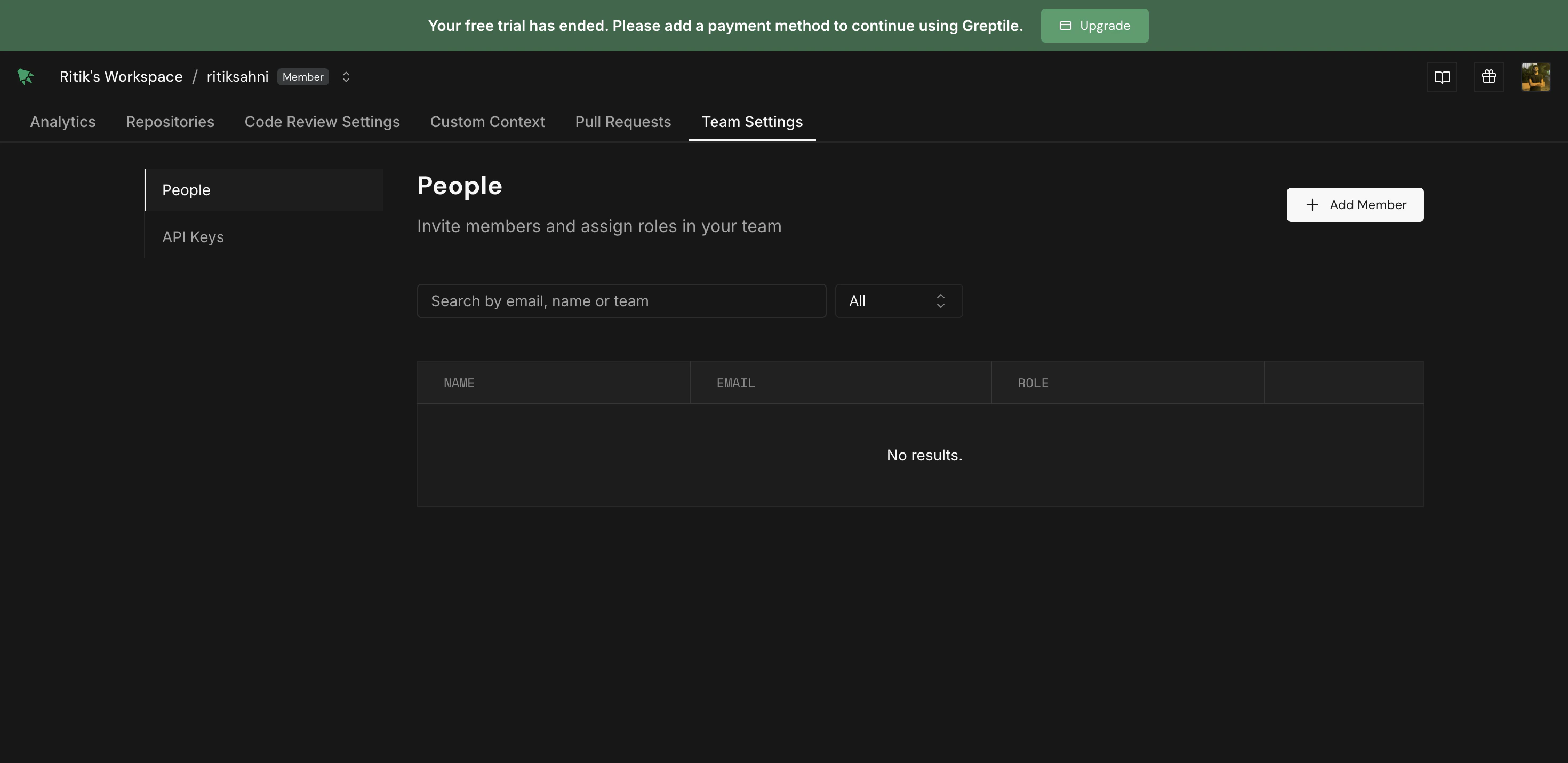
One connected org or group — most workspaces look like this. The top-left breadcrumb shows your workspace name only. Use Organization Settings for members, billing, and providers. There is no Team Settings tab. Two or more connected orgs or groups — the breadcrumb showsWorkspace / team-name. Pick a team from the dropdown to switch context. Team Settings appears for team-specific member access.
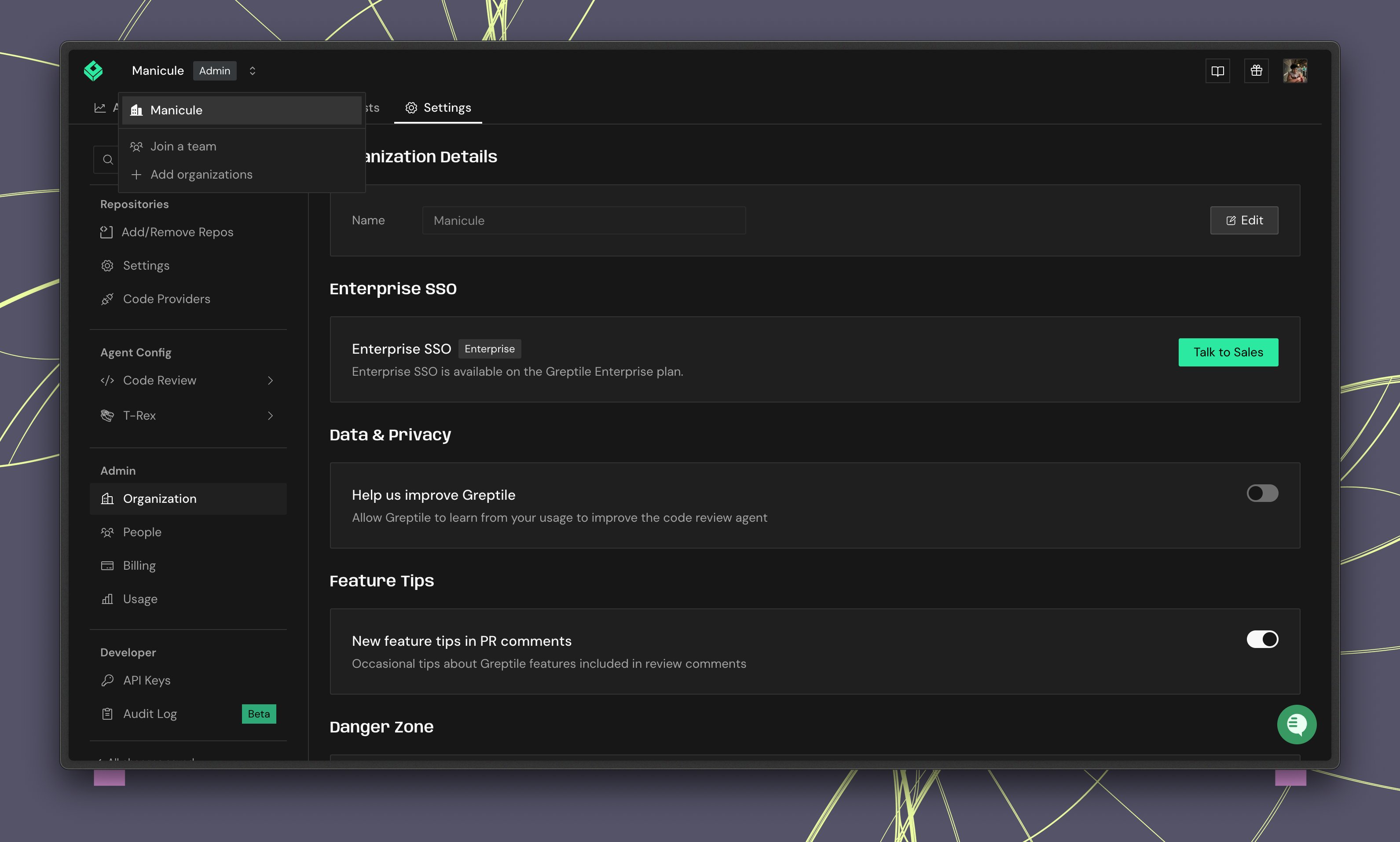
Steps below that mention Team Settings only apply when you have multiple teams connected. Otherwise, use Organization Settings.
Roles
Organization roles
Set under Settings → People.- Admin — Billing, members, code providers, integrations, and organization-wide review settings.
- Member — Day-to-day use: analytics, repos, pull requests, and custom context. Cannot change billing, providers, or org-wide settings.
- Viewer — Read-only access to analytics, repos, pull requests, and custom context.
Team roles
Only relevant with multiple teams connected. Set under Team Settings → People.- Admin — Manage members for that team. Cannot edit Code Review Settings (organization admins only).
- Member — View team repos, pull requests, and custom context; enable or disable repos for that team.
Adding members
1
Go to Settings
Open Settings → People.
2
Invite members
Click Invite people, or use Member link to share an invite link.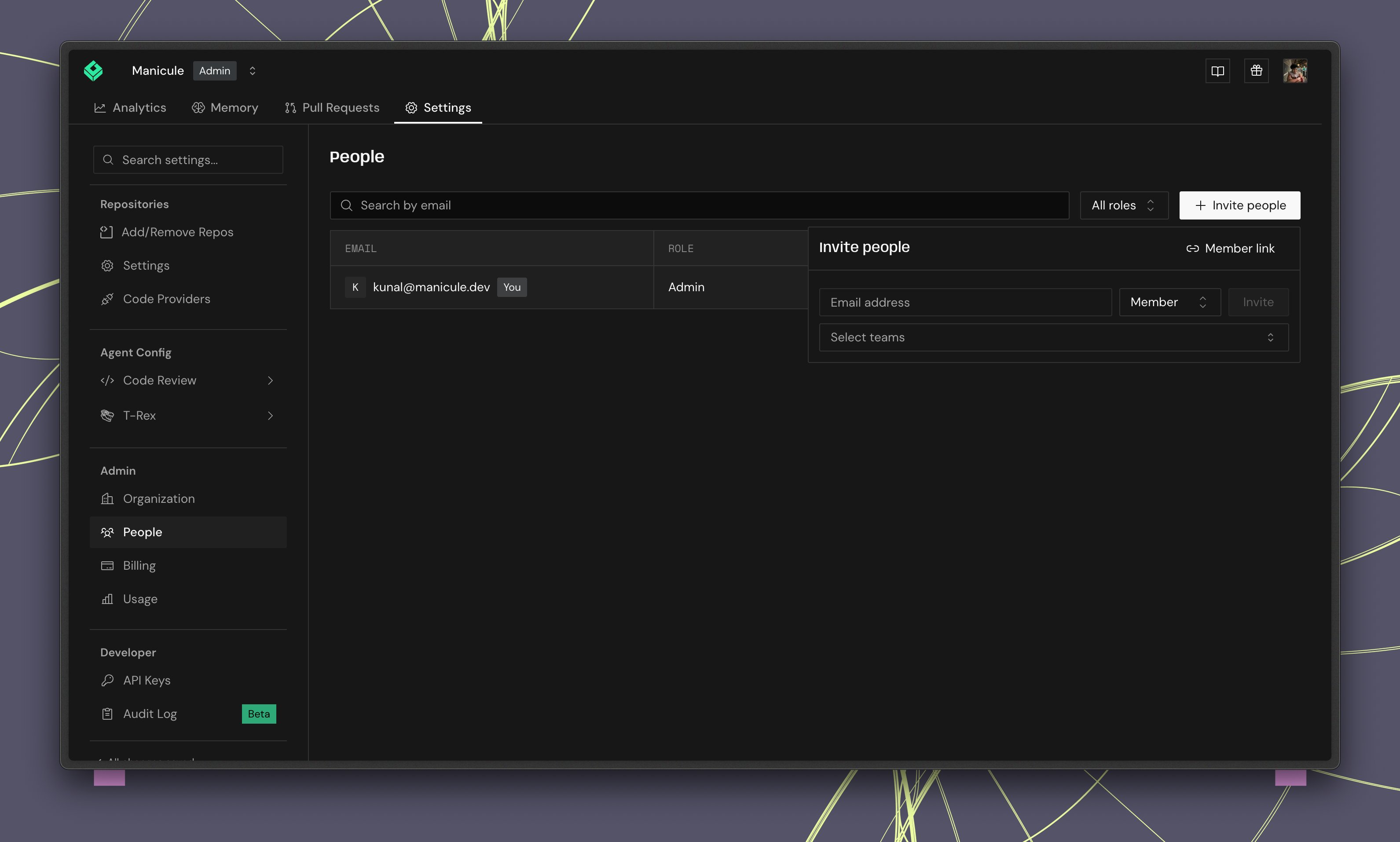
3
Assign roles
Choose Admin, Member, Viewer, or one of your custom roles.
Managing repositories
Open Settings → Add/Remove Repos to enable or disable repos.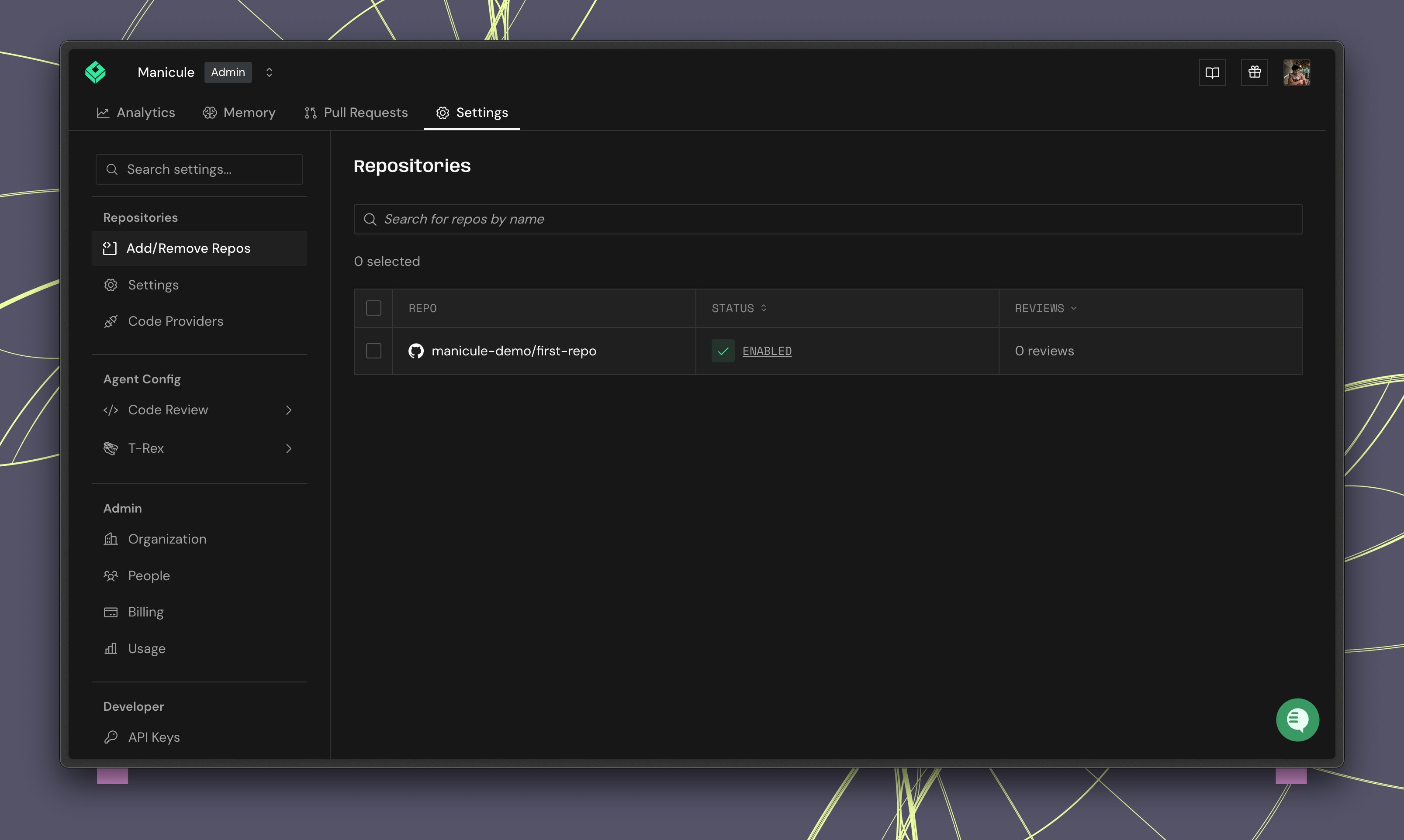
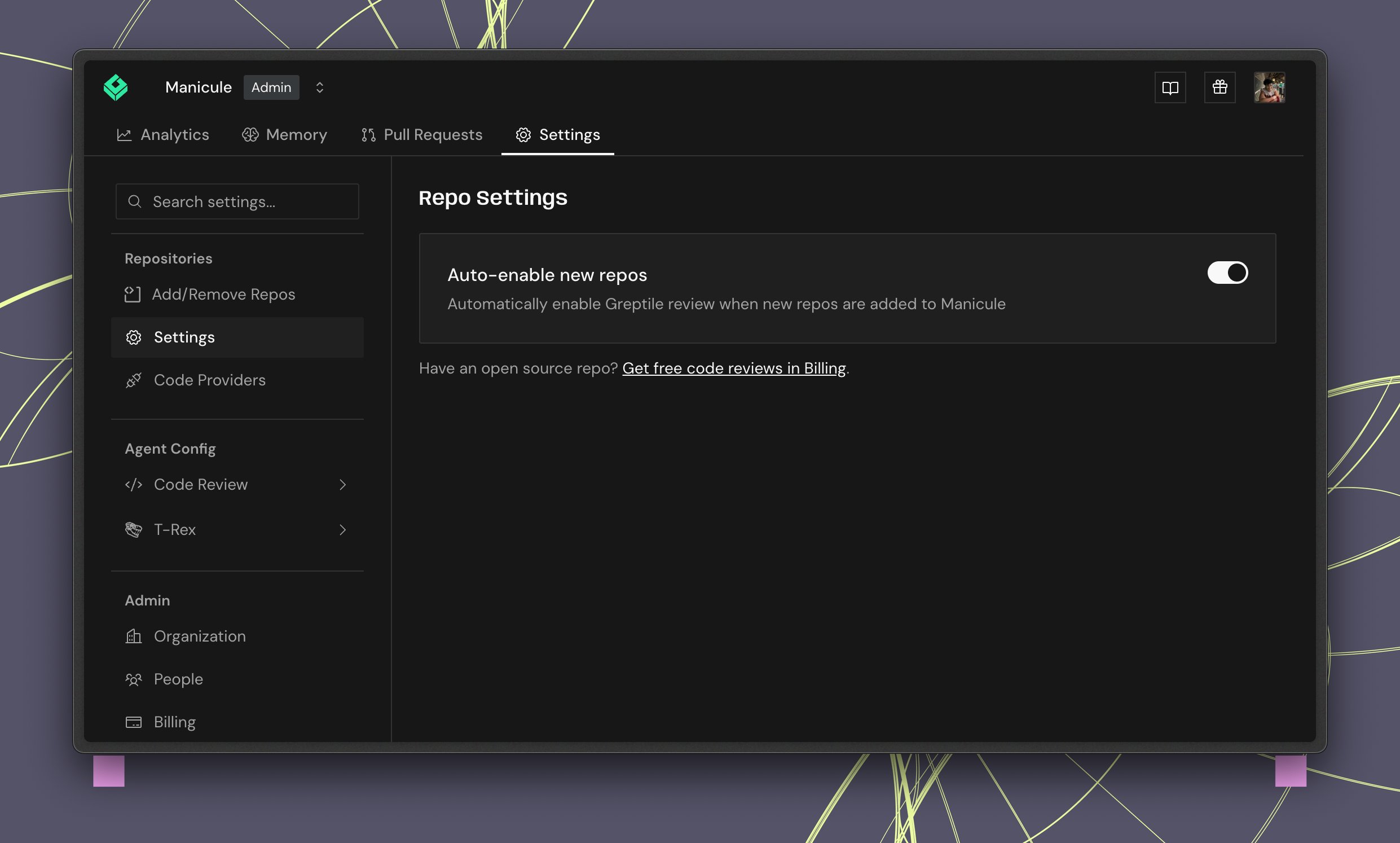
Auto-enable new repositories
- Go to Settings → Repo Settings (under Repositories)
- Toggle Auto-enable new repos
Syncing settings across teams
With multiple teams, each team can inherit review settings from the organization. On a team’s Code Review Settings page, use Inheritance & Sync:- Sync from Parent — match organization defaults
- Sync Now — sync immediately (disabled when already in sync)
Onboarding for invited members
New members land in the org dashboard and are guided through Personal Settings → Review Settings:- Link GitHub or GitLab profile
- Install the bridge app
- Choose coding agents for Fix with your Agent
Members do not see Code Providers or Integrations — admins only.
Code providers
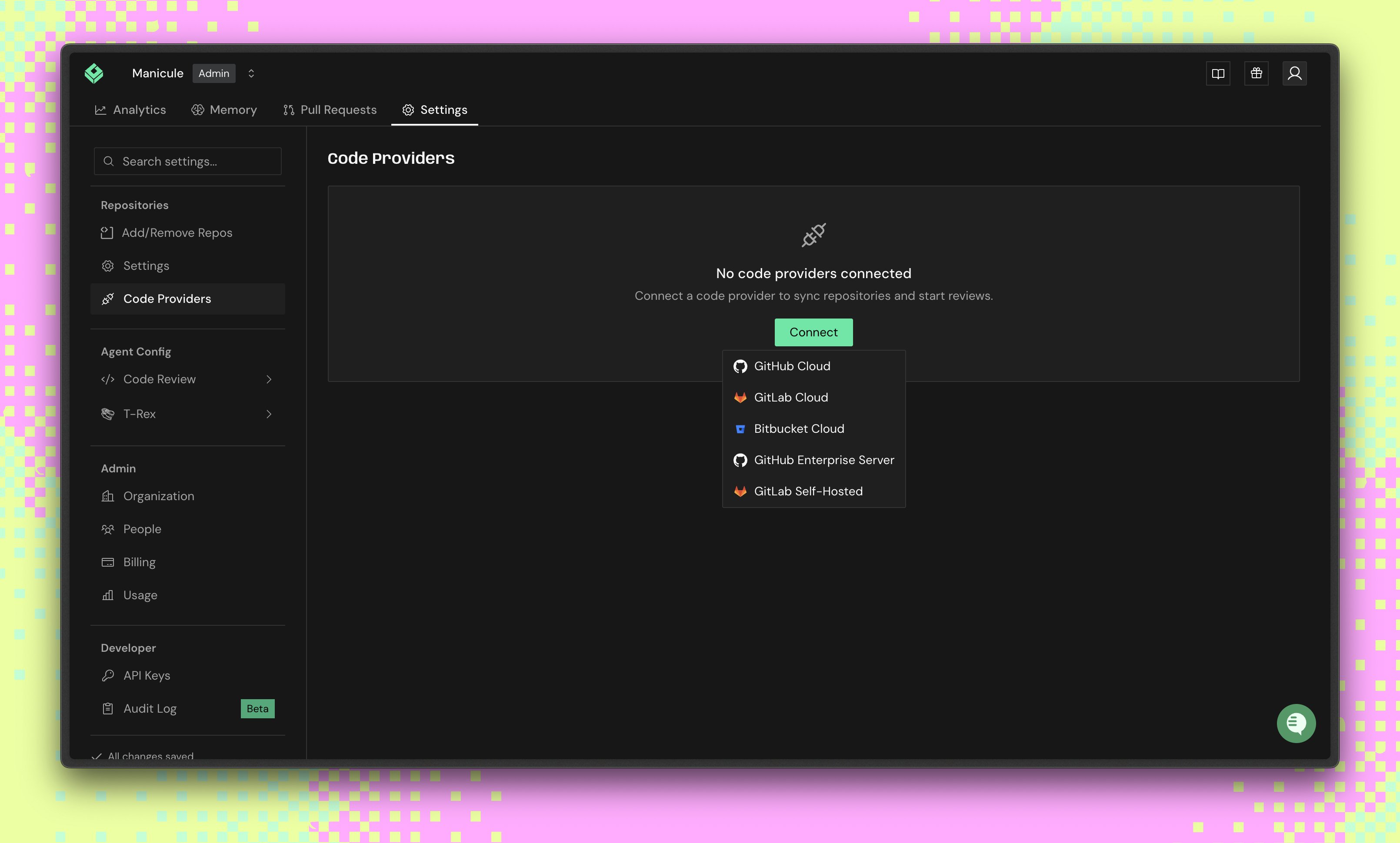
Admins connect GitHub or GitLab under Code Providers. Click Add Provider to connect more orgs or groups.