
Full codebase context
Greptile builds a graph of your repository (functions, classes, imports, dependencies) and uses it during reviews to reason about ripple effects beyond the diff.- Surfaces impacted callers and contracts
- Detects cross-file inconsistencies and missing validations
- References similar patterns already in your codebase
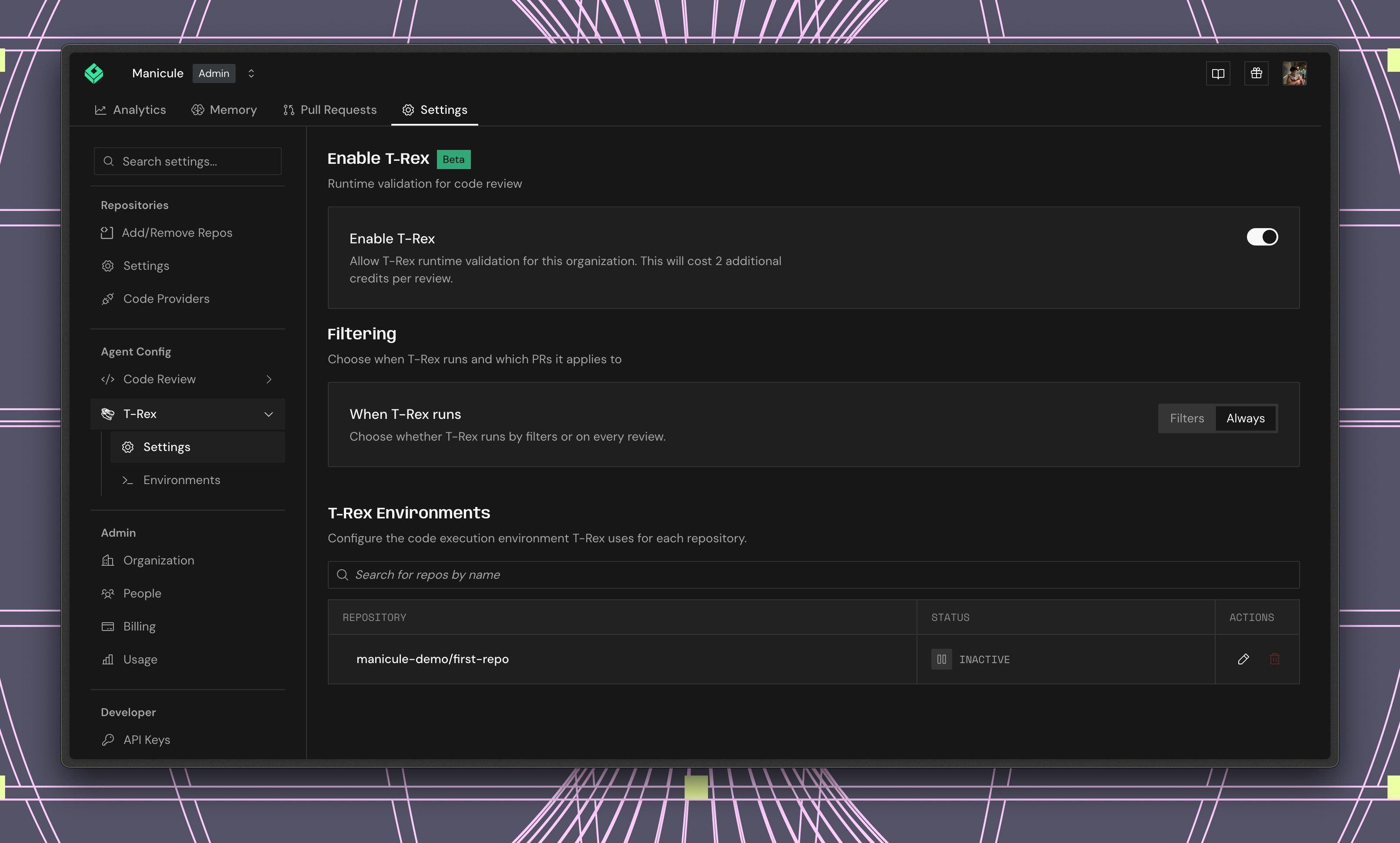
Runtime validation with T-Rex (Beta)
Short for Test, Run, EXecute, enabling T-REX lets Greptile run your code changes in a sandboxed environment to catch more bugs.- Writes targeted tests for the PR, including changes and edge cases
- Runs tests in an isolated sandbox against your repo’s services, dependencies, and framework
- Attaches logs, screenshots, traces, scripts, or videos to failed PR comments so reviewers can verify what happened
High-signal findings (not nitpicks)
Focus on issues that matter by default; control verbosity with strictness and comment-type filters.- Logic, security, performance, architectural issues by default
- Style and syntax can be reduced or disabled
- Per-repository rules with
greptile.json
Learns your team’s standards
Greptile adapts over time using thumbs up/down and short replies.- Suppresses suggestions your team routinely ignores
- Reinforces patterns your team prefers
- Auto-discovers custom rules from team discussions
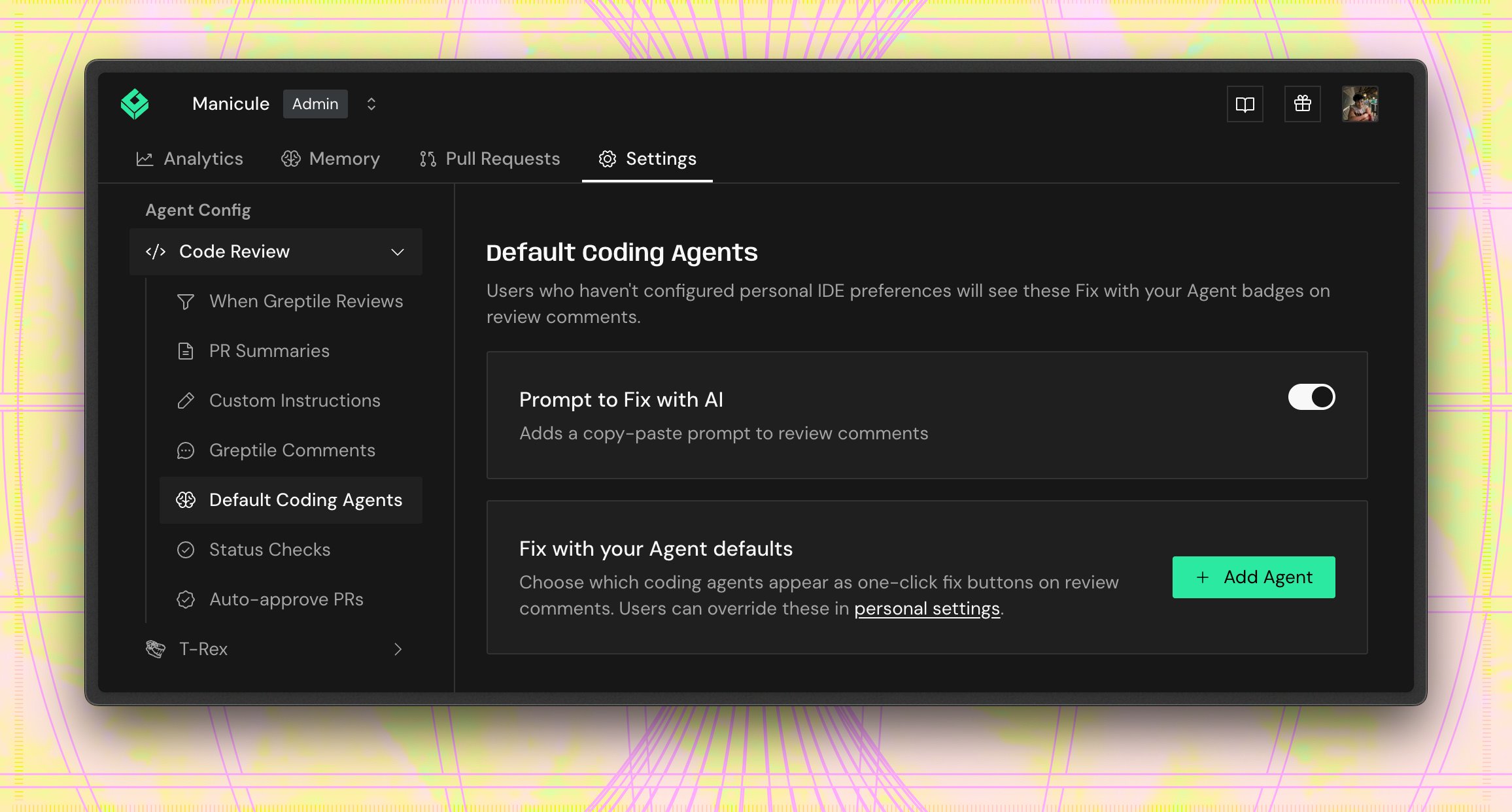
Fix All with AI
Every review comment includes a Fix with your Agent button that sends the issue — with file paths, line numbers, and suggested code — directly to your coding agent. A Fix All button in the review summary sends every issue at once.- Supports Claude Code, OpenAI Codex, Conductor, Cursor, and Devin
- Agent receives full context and applies fixes automatically
- Comments resolve when you push the fix
Auto-resolution from your IDE (MCP)
Resolve Greptile comments without leaving your editor.- Open files, apply suggested fixes, mark threads resolved
- Works with Cursor, Windsurf, Claude Desktop, Codex CLI
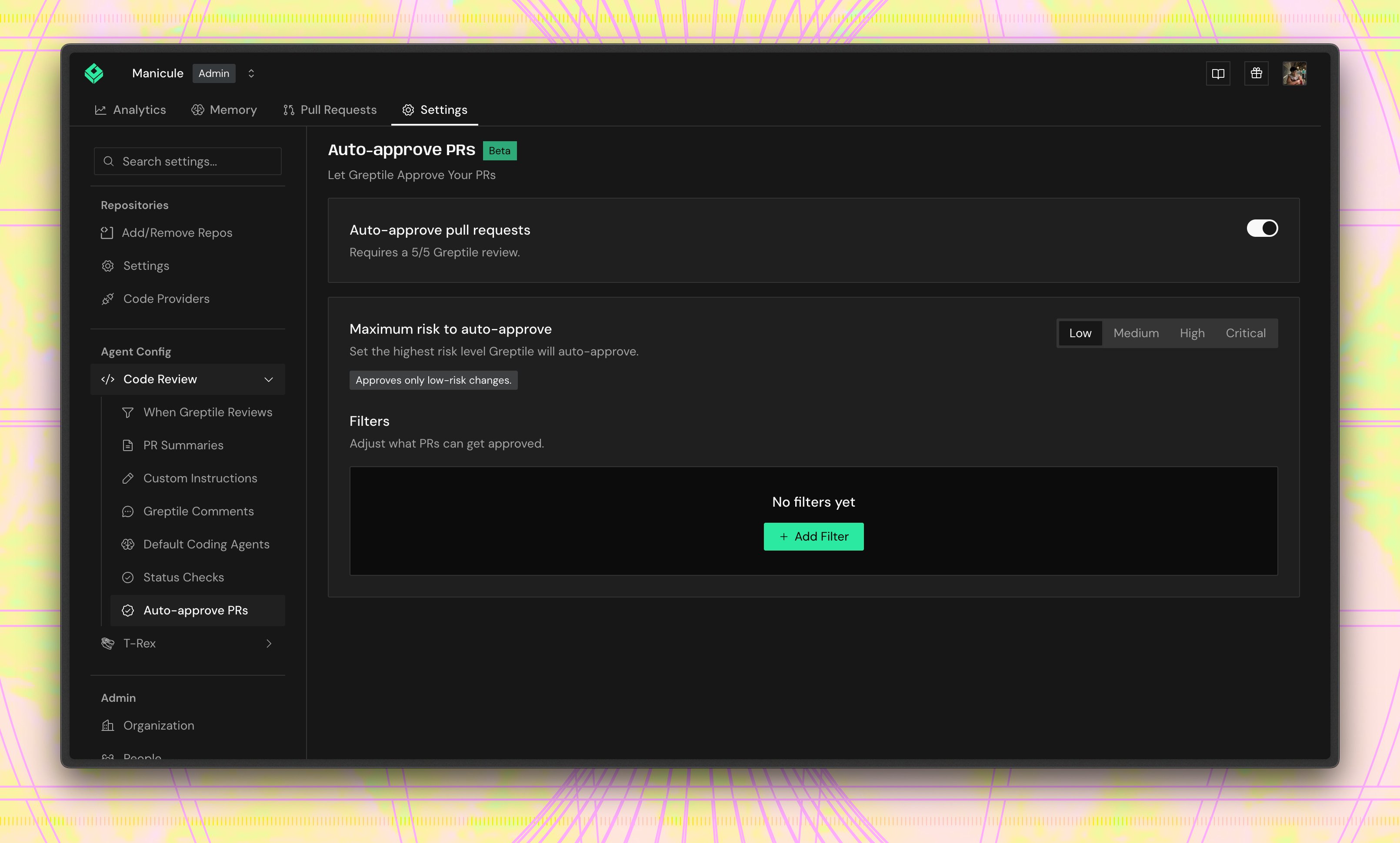
Auto-approve low-risk PRs (Beta)
Auto-approve lets Greptile approve pull requests that it rates as low-risk and bug-free. It only approves PRs with a clean 5/5 Greptile review. Use it for changes where an automatic approval is acceptable, like docs, tests, styling, or small code changes.- Set the maximum risk level Greptile can approve
- Add filters to exclude specific labels, branches, files, and authors from auto-approval
- Leave it off for broad or high-risk review flows. We recommend auto-approve only for low-risk changes
Enterprise-grade deployment
- Cloud (SOC2 Type II), self-hosted Docker/Kubernetes, air-gapped
- SSO/SAML, audit logging, role-based access
- Customer-managed PostgreSQL + pgvector, Redis (self-hosted)
Configuration you control
Usegreptile.json for repo-level behavior.
greptile.json