The code reviewer that catches real bugs
Greptile is purpose-built to surface the bugs that slip through code review.
no credit card required • 14-day free trial
How it works
Indexes your codebase
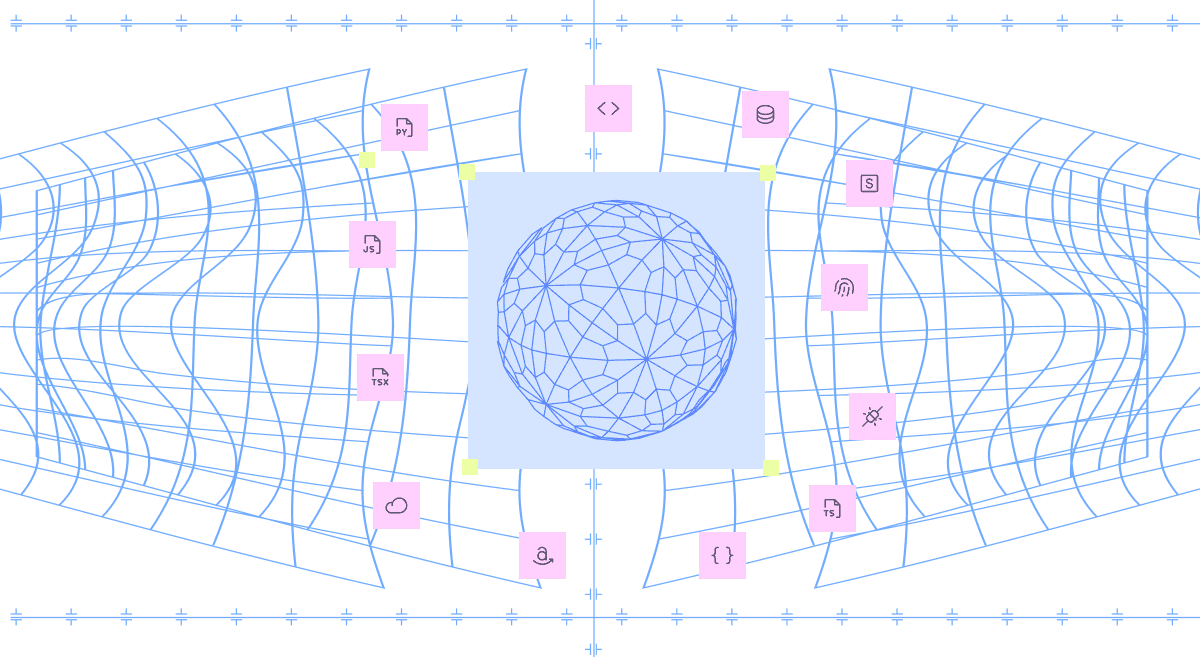
Builds a graph of your repo — files, functions, and dependencies.
“We've tried more code review tools than I can count. Greptile outperforms them all by a mile. Honestly the only AI reviewer that doesn't annoy the s**t out of me.”
CTO, Brex
James Reggio
The anatomy of a Greptile PR review
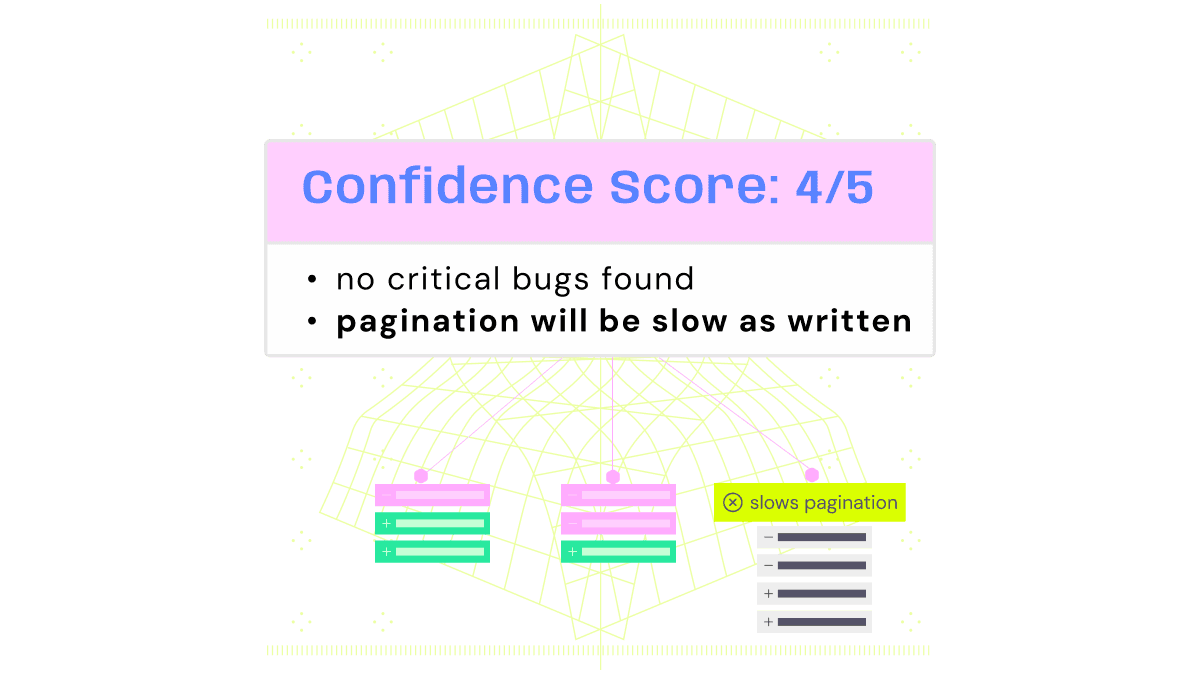
Confidence scores
Know how safe a PR is to merge at a glance with a 0-5 score
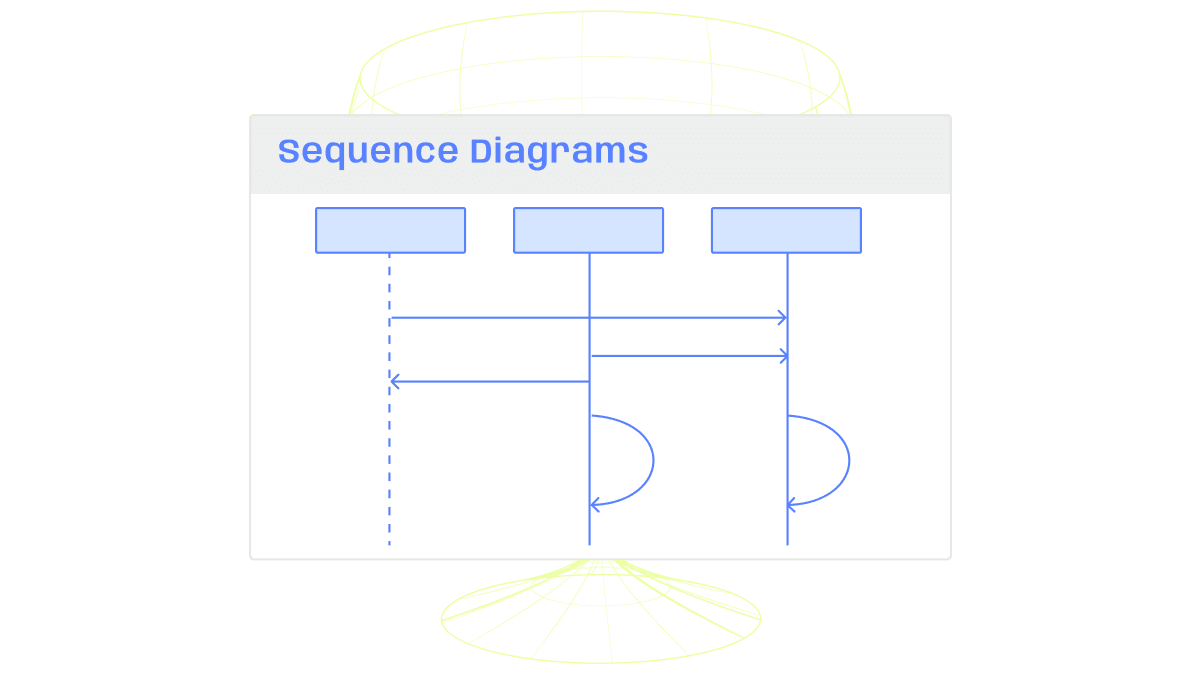
Diagrams
Parse complex changes with sequence diagrams and flowcharts generated for every PR
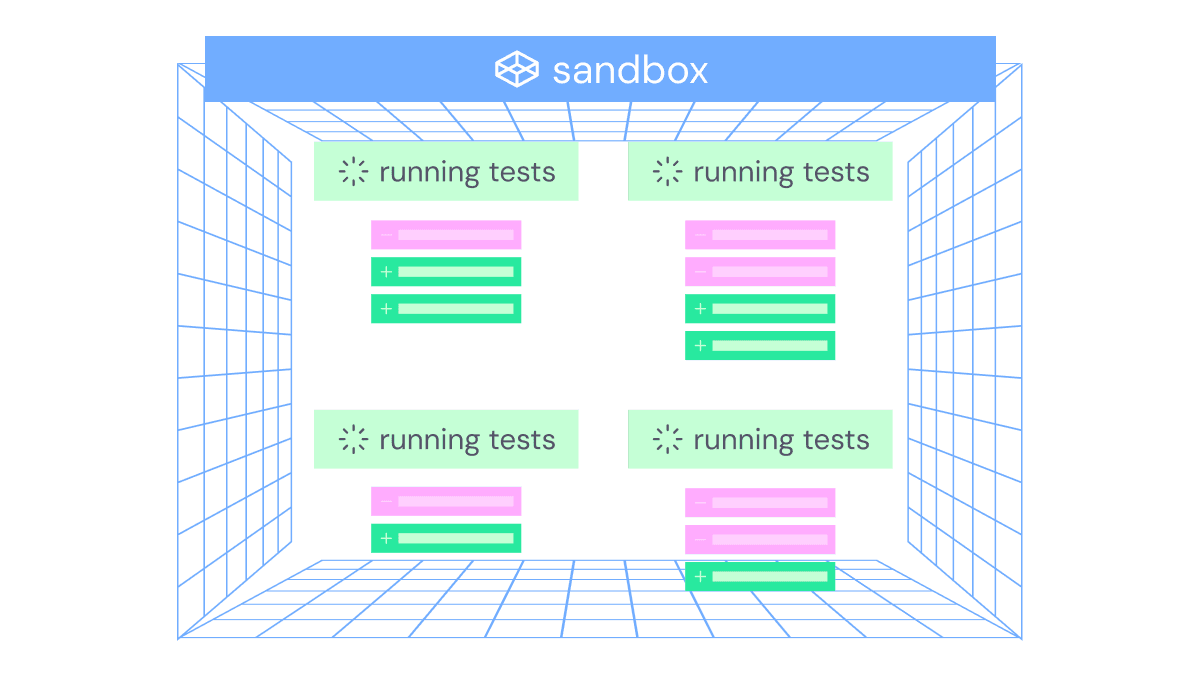
Test generation
Automatically generate unit tests for new and changed code in every PR
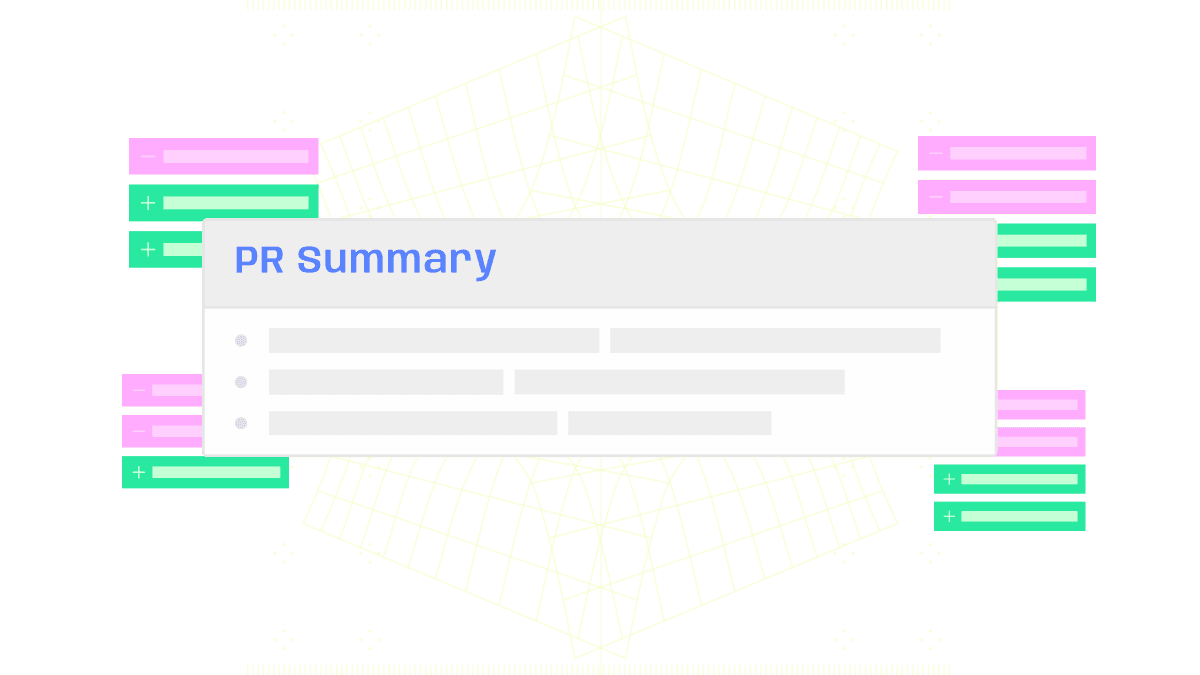
PR summary
Get the big picture on the PR's key changes
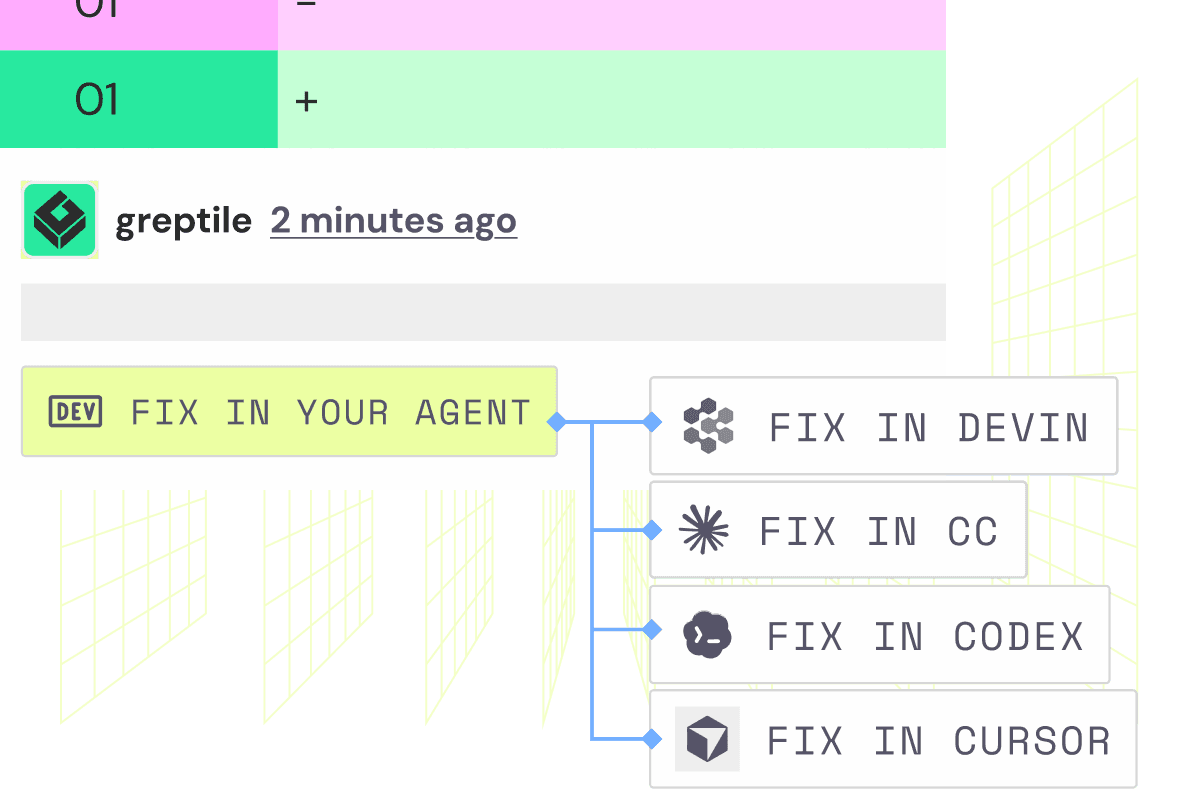
Fix in Claude / Codex / Cursor
Address any comment with a one click fix directly to your preferred coding agent
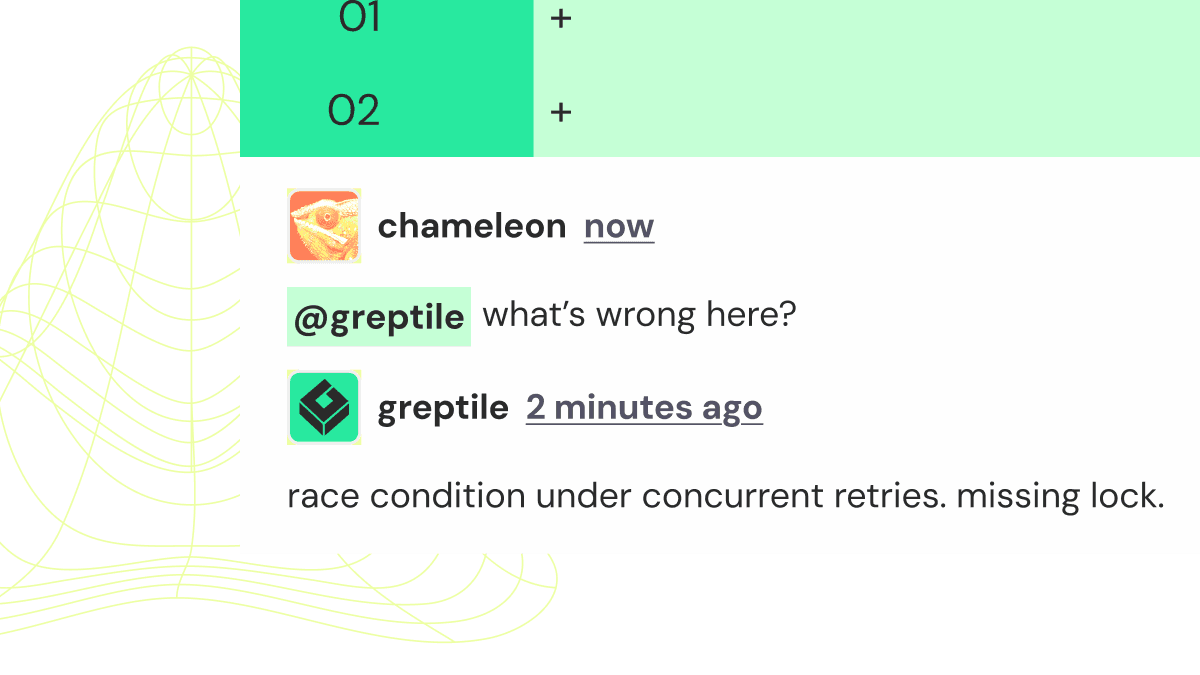
Chat with Greptile
Ask follow up questions in the PR to clarify issues and its context
Your house, your rules.
Set custom context in Greptile so every review reflects your team's standards, patterns, and preferences.
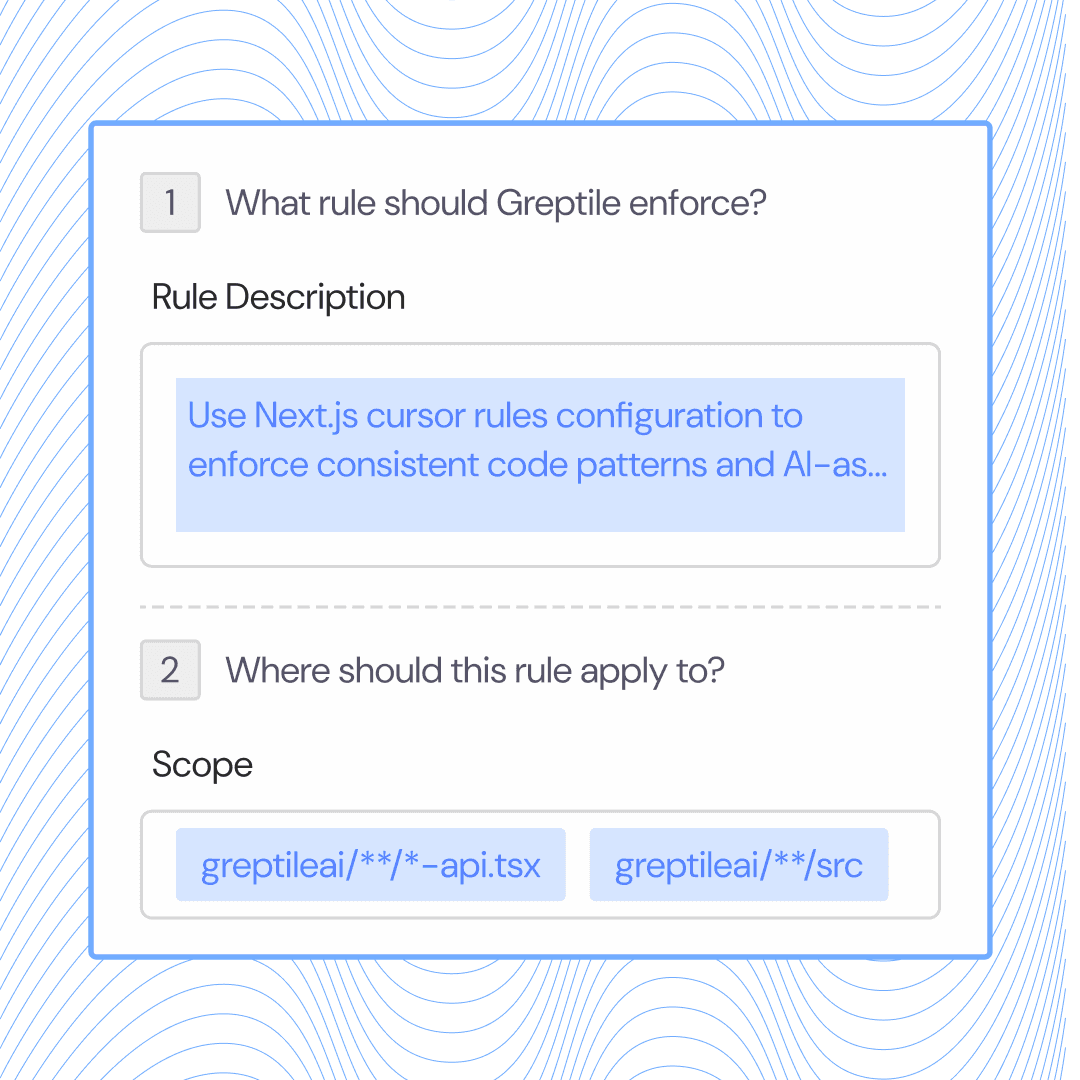
Set custom rules
Define review rules that enforce your team's coding standards across every PR.
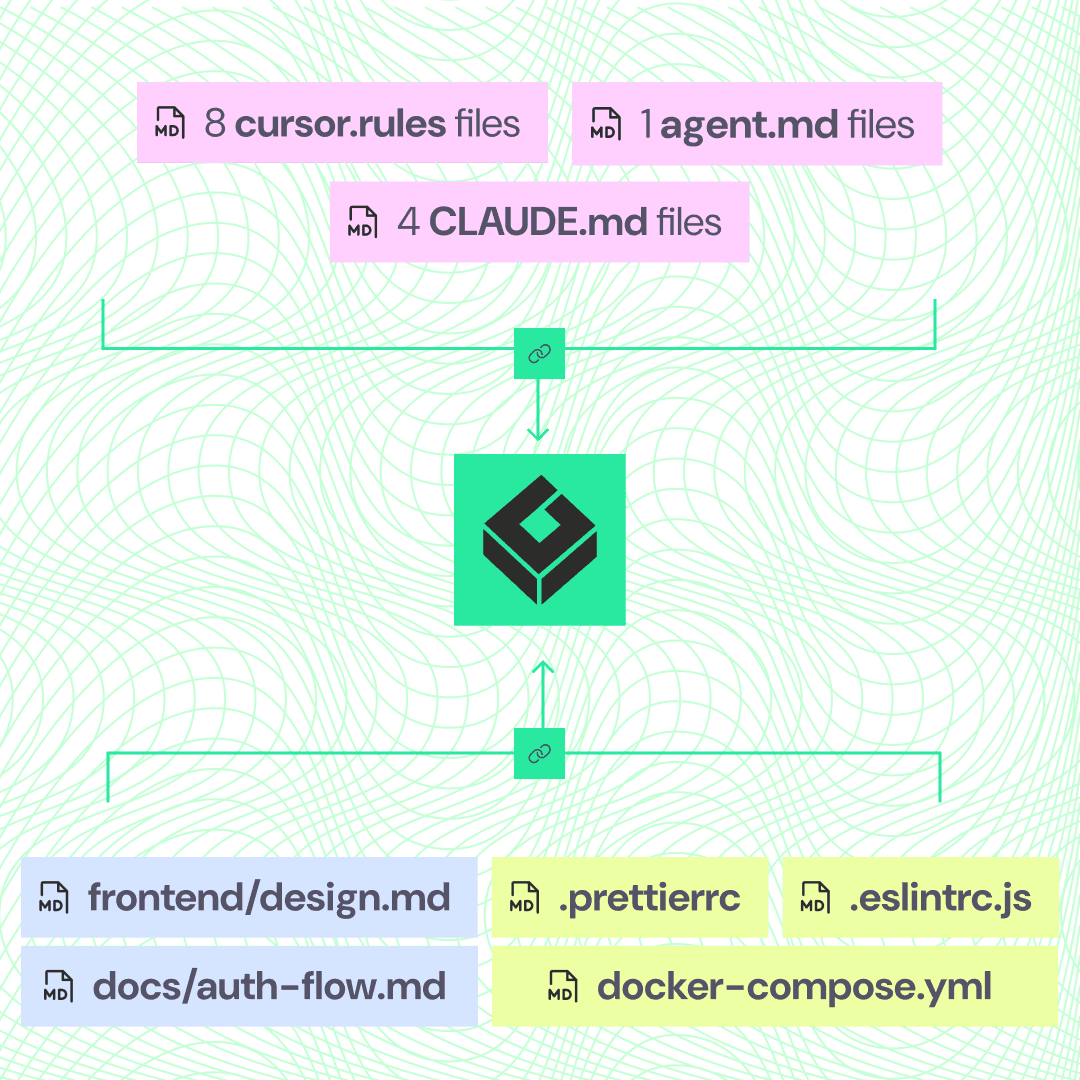
Link your style guide
Point Greptile at your style guide so reviews match your team's conventions.
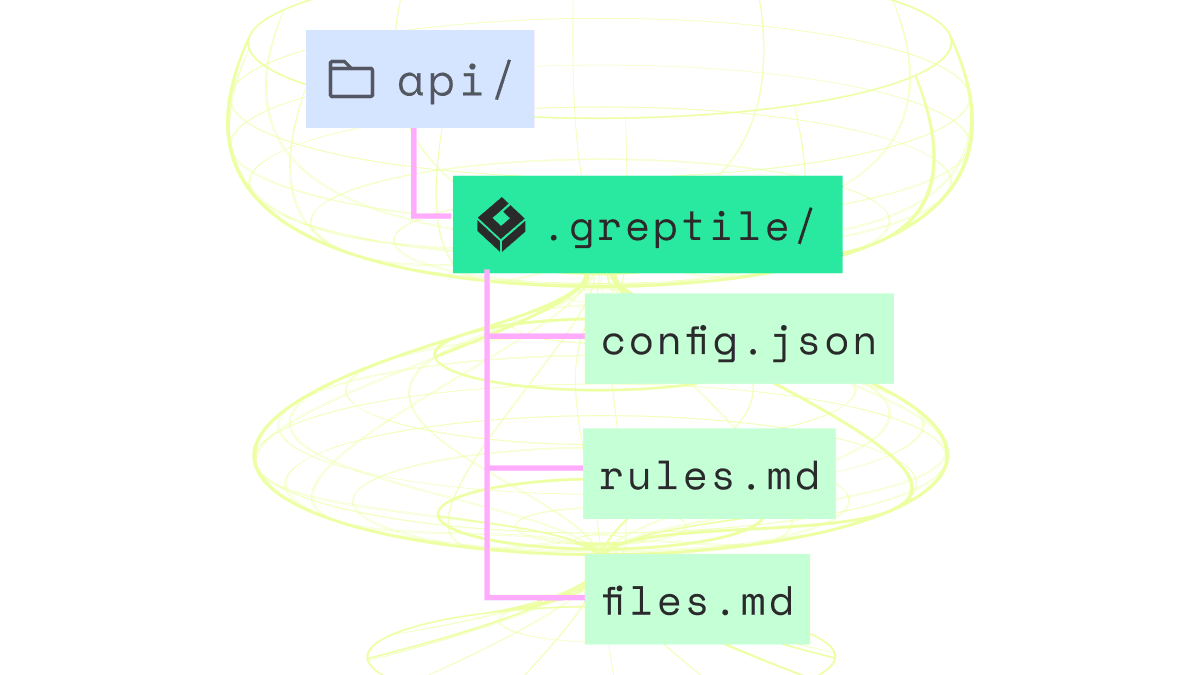
Get granular with ./greptile/rules
Apply rules to tightly scoped file patterns for precise control.
Customizable to your liking
Greptile reviews are entirely configurable, so you control exactly what appears in your PR.
Severity threshold
Filter noise by setting minimum severity so only high-impact issues surface in reviews.
Collapse by default
Turn off any part of the review or default sections to collapsed so they stay out of the way.
Review triggers
Control when reviews run — on every push, only on request, or based on file paths and labels.
Explore other features at Greptile
Find out more about how teams are using Greptile
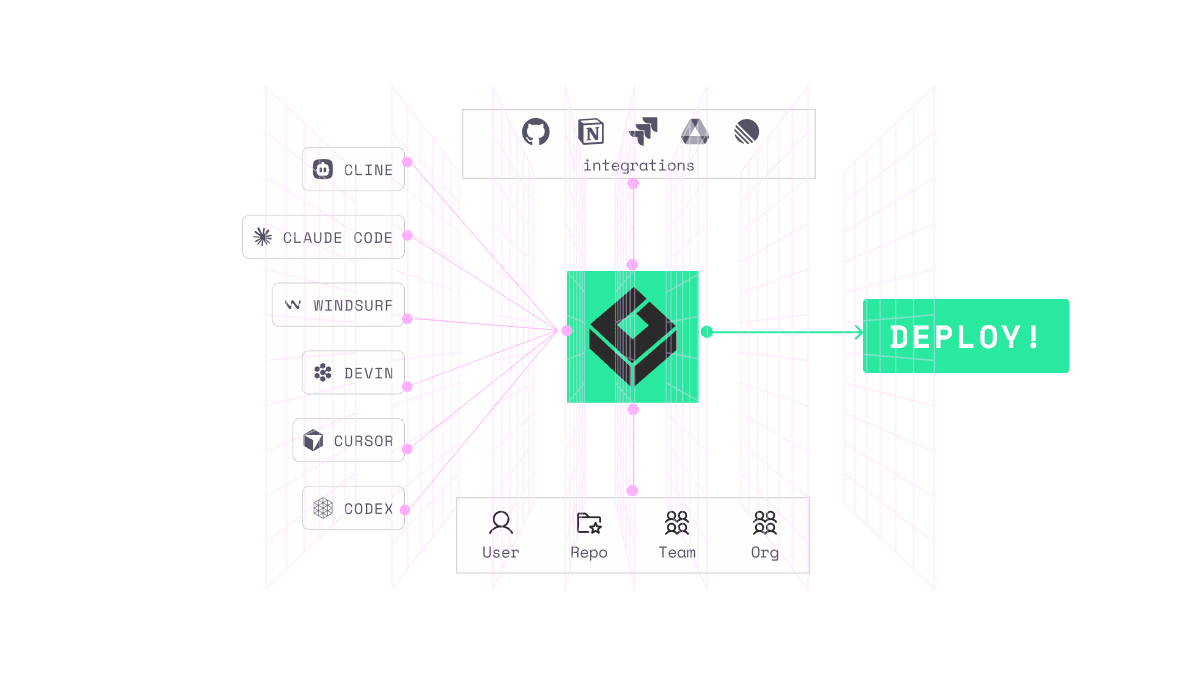

Catch bugs humans miss with graph-based context