
context.repos field in greptile.json, but instead of pointing one repo at others, you define a group once and every member shares context with every other member.
Clusters are useful when a set of repos are tightly coupled, for example a service, its SDK, and its shared types, where a change in one often can’t be reviewed well without the others.
Creating a cluster
1
Open Repo Clusters
On the Greptile dashboard, go to Custom Context → Repo Clusters. Managing clusters requires admin access.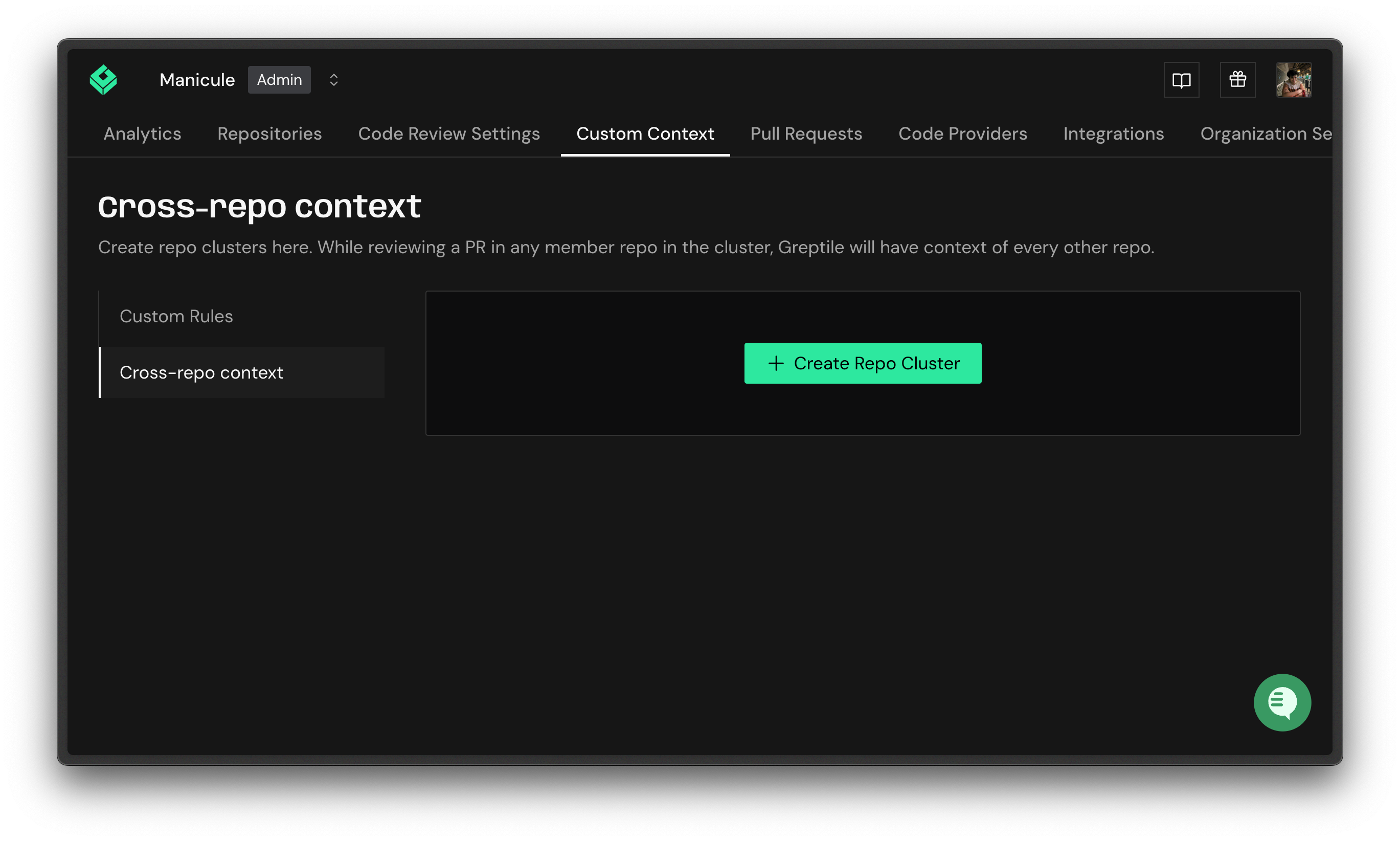
2
Start a new cluster
Click Add a repository cluster.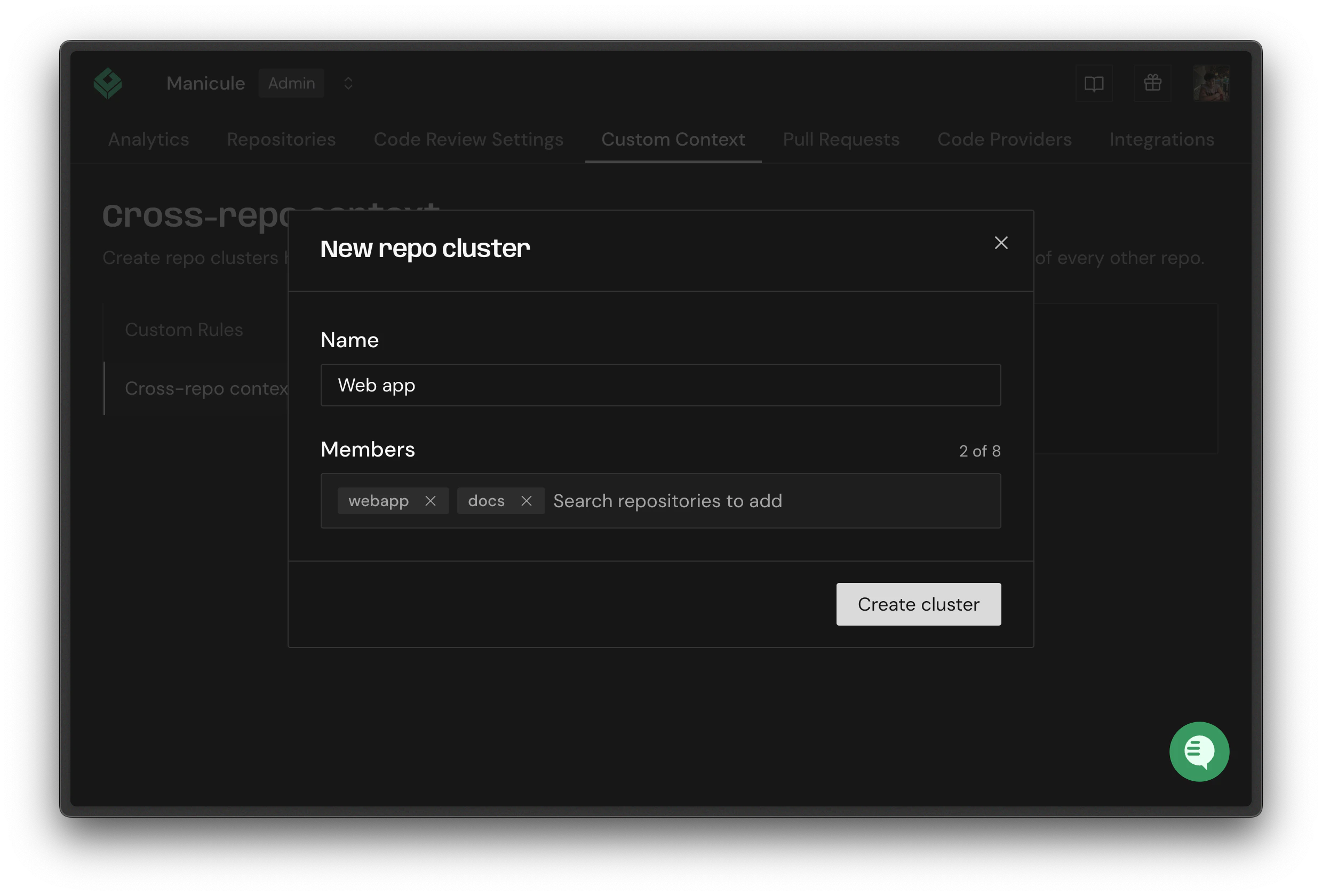
3
Name the cluster
Give the cluster a name.
4
Add repositories
Add at least 2 repositories. A cluster can hold up to 20 GB of repositories by total size.
Suggested clusters
Greptile suggests clusters for you based on shared contributors, meaning repositories the same people have committed to over the last 90 days. Suggestions appear with a confidence indicator; click Use this to create the cluster, or Discard to dismiss it.How clusters affect reviews
When Greptile reviews a PR in a clustered repo, it clones the other members read-only and makes them available to the reviewer, exactly likecontext.repos. Repos listed explicitly in context.repos take priority.