You need to be a Greptile organization admin with access to Security Review. Connect your GitHub repositories first. You don’t need to turn on Code Review.
1

Open Security

In the Greptile dashboard, select your organization. Open the Security tab and click Turn on Security Review.
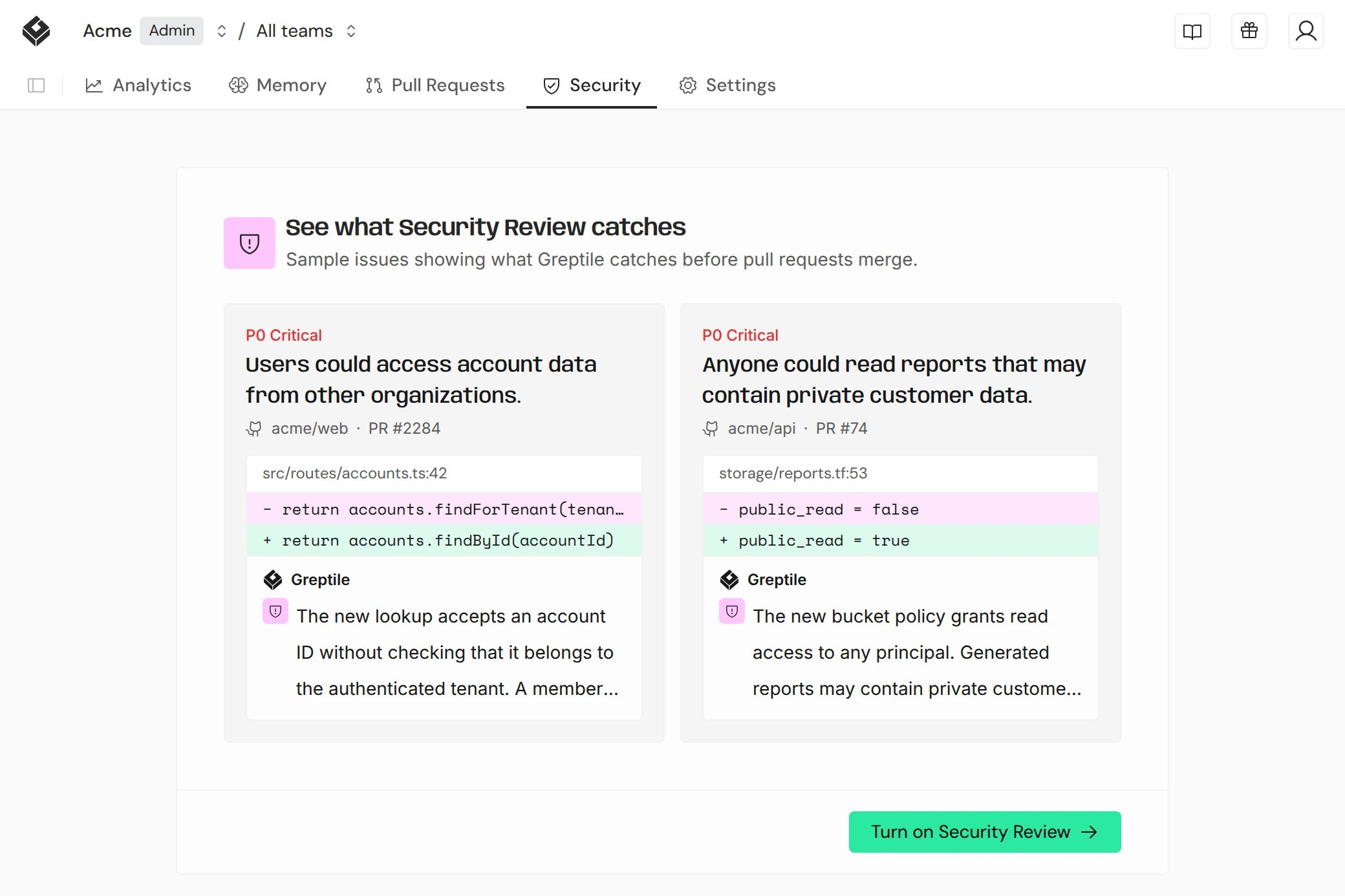
The Security tab with sample findings and the Turn on Security Review button
2

Choose repositories

If available, turn on Intelligent Routing.To cover all current and future eligible repositories, click Turn on for all repositories.
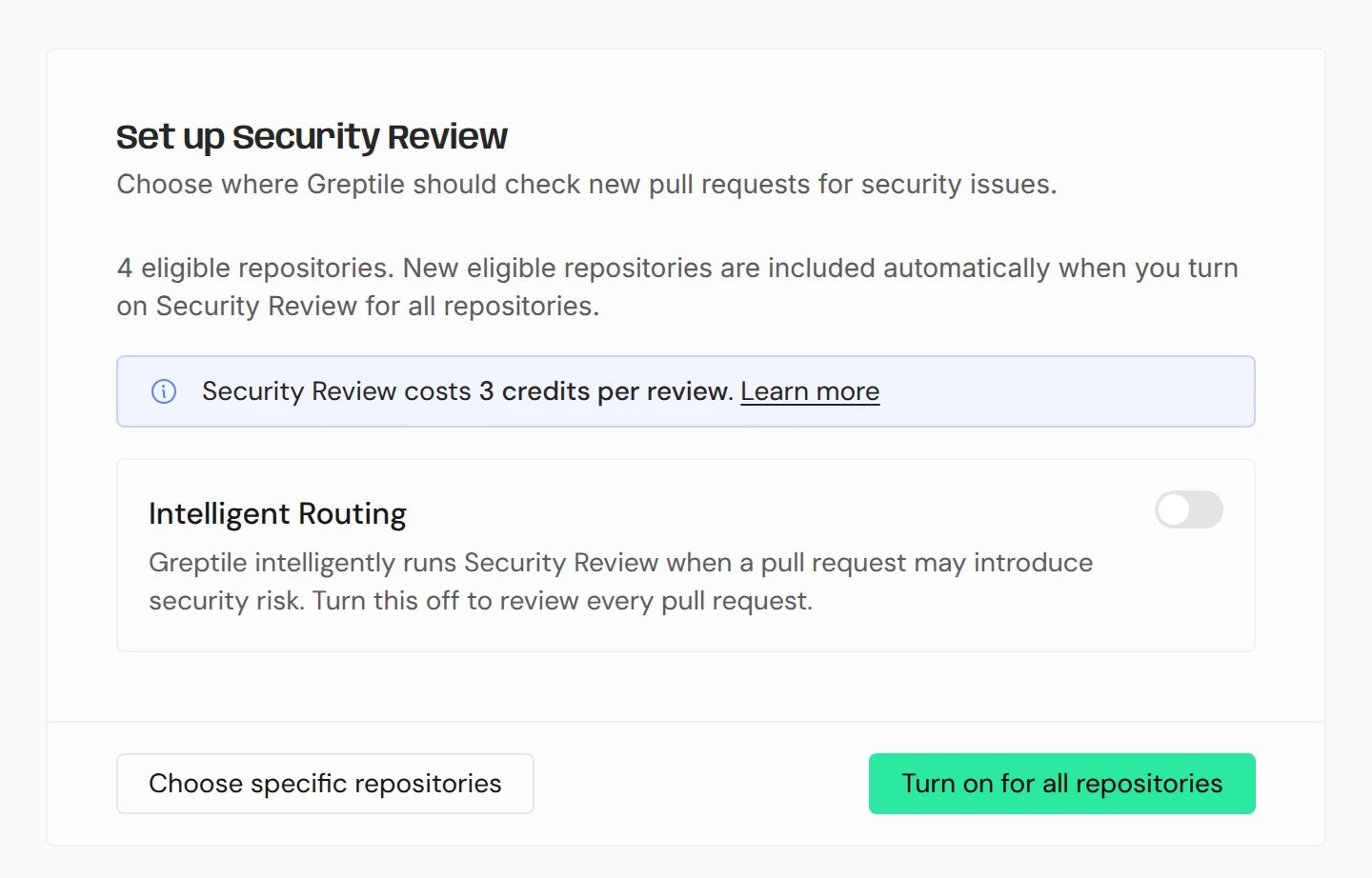
Security Review setup with options to protect all repositories or choose specific ones
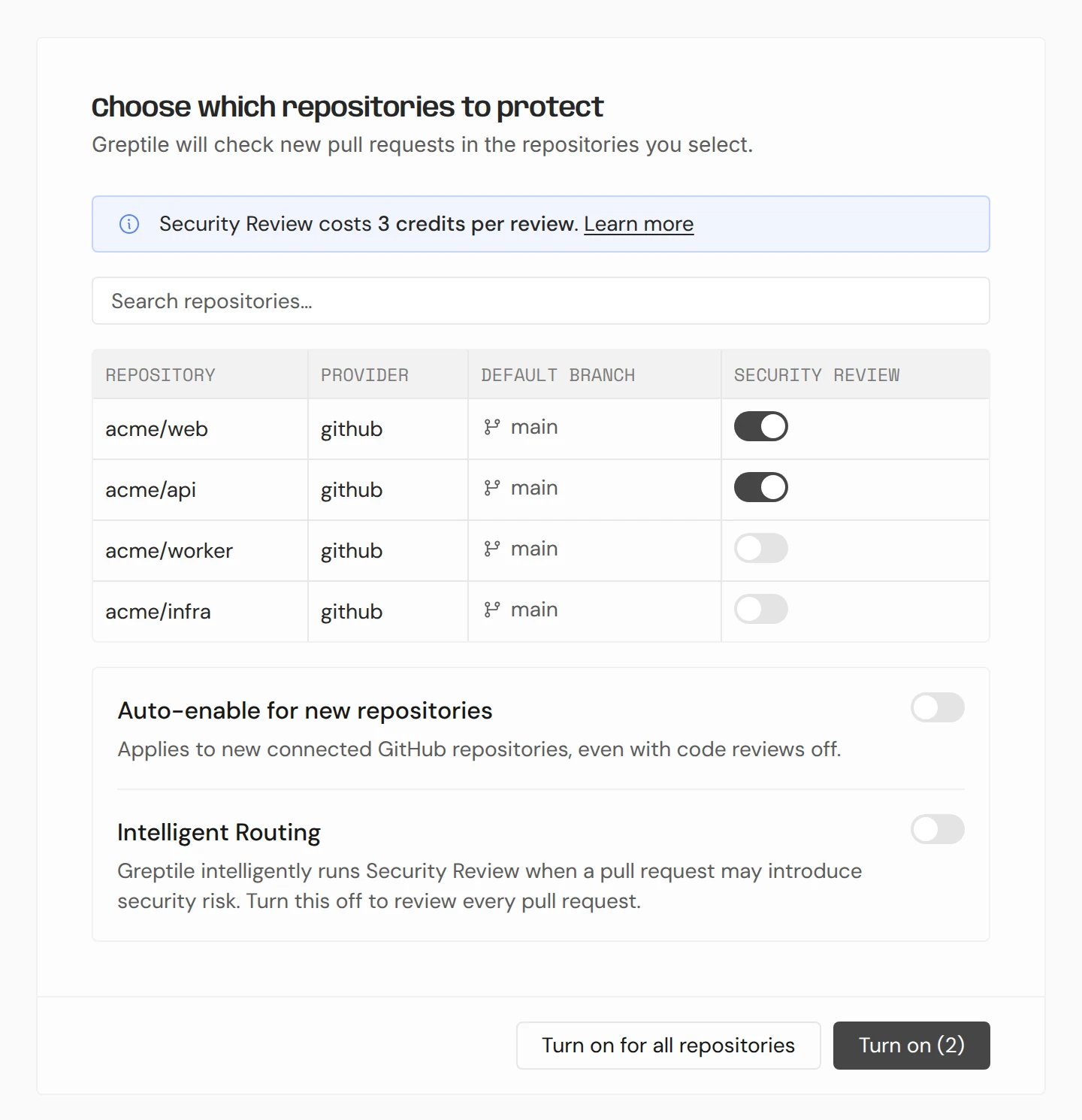
To limit coverage, click Choose specific repositories and clear any you want to exclude. Turn off Auto-enable for new repositories if you only want the selected repositories. Click Turn on to confirm.
Repository picker with two repositories selected and toggles for auto-enable and Intelligent Routing
3

Finish setup

Click Finish to open Security Overview. Greptile builds threat models in the background.
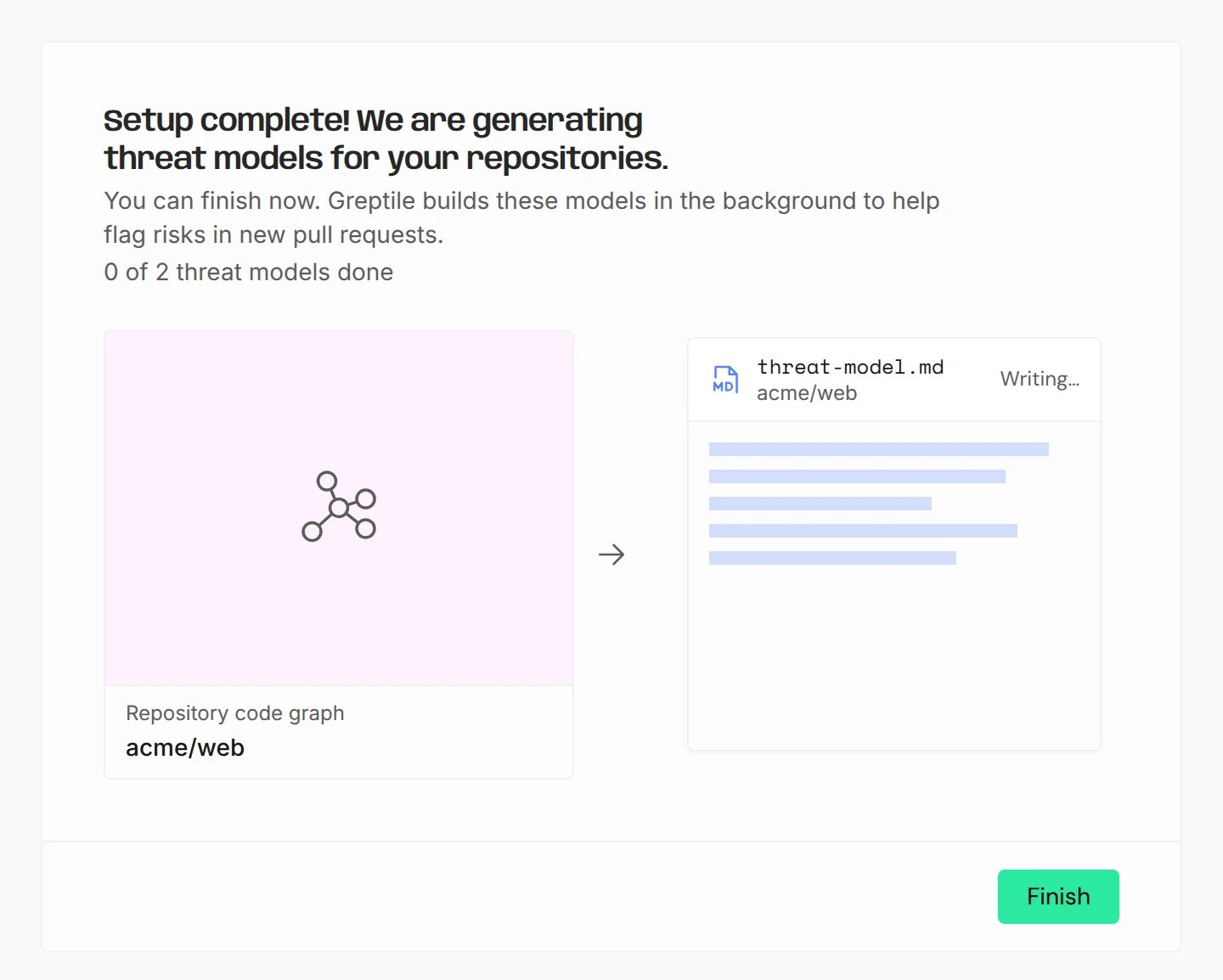
Setup complete screen with threat model progress and the Finish button

Change repository coverage

Change coverage in Settings → Security. You can also enable more repositories from Security → Add repositories. To view a threat model, open Security → Threat models and select a repository.